


Table of Contents
5 Ways to Engage Directory Listing Owners
-

- Tips & Tricks
- 4 mins read
A listing owner submits their business, maybe waits for approval, and then hears nothing from the directory again unless they happen to log back in on their own. That silence is a missed opportunity, and it’s exactly the gap you need to close if you want to engage directory listing owners instead of letting them go quiet after signup. Every listing owner already has a dashboard they check, and the Directorist Announcement extension gives you a direct line into it, no separate email tool, no third-party marketing plugin, just a message that shows up exactly where they’re already looking.
Here are five practical ways to engage directory listing owners using this one extension.
1. Promote a limited-time discount or featured-listing deal

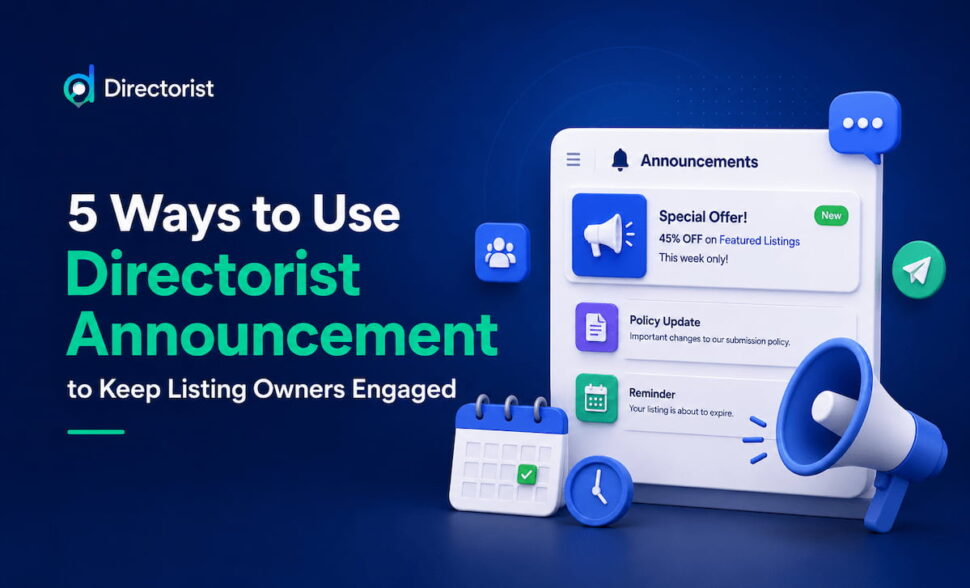
Send an announcement to All User with a short, specific offer, something like “45% off featured placement this week.” Set Expires in Days to match the length of the promotion, so the announcement disappears from dashboards once the deal ends instead of sitting there stale and confusing people after the fact.
This is a direct, low-effort way to engage directory listing owners around a real offer. Instead of hoping a listing owner notices a banner on the homepage they may never visit, the offer shows up in the one place they actually go to manage their listing.
2. Re-engage listing owners who’ve gone quiet

Not every announcement needs to go to everyone. Setting To to Selected User lets you target a specific group, listing owners who haven’t updated their listing in months, or who never finished filling out their profile after signing up. This is one of the most effective ways to engage directory listing owners who have already started to drift away.
This is where targeting actually beats a site-wide message. A banner shown to every visitor gets ignored by the people it doesn’t apply to. An announcement sent only to the listing owners who’ve gone quiet reaches exactly the people you’re trying to bring back, without cluttering everyone else’s dashboard with something irrelevant to them.
3. Announce policy, pricing, or submission changes
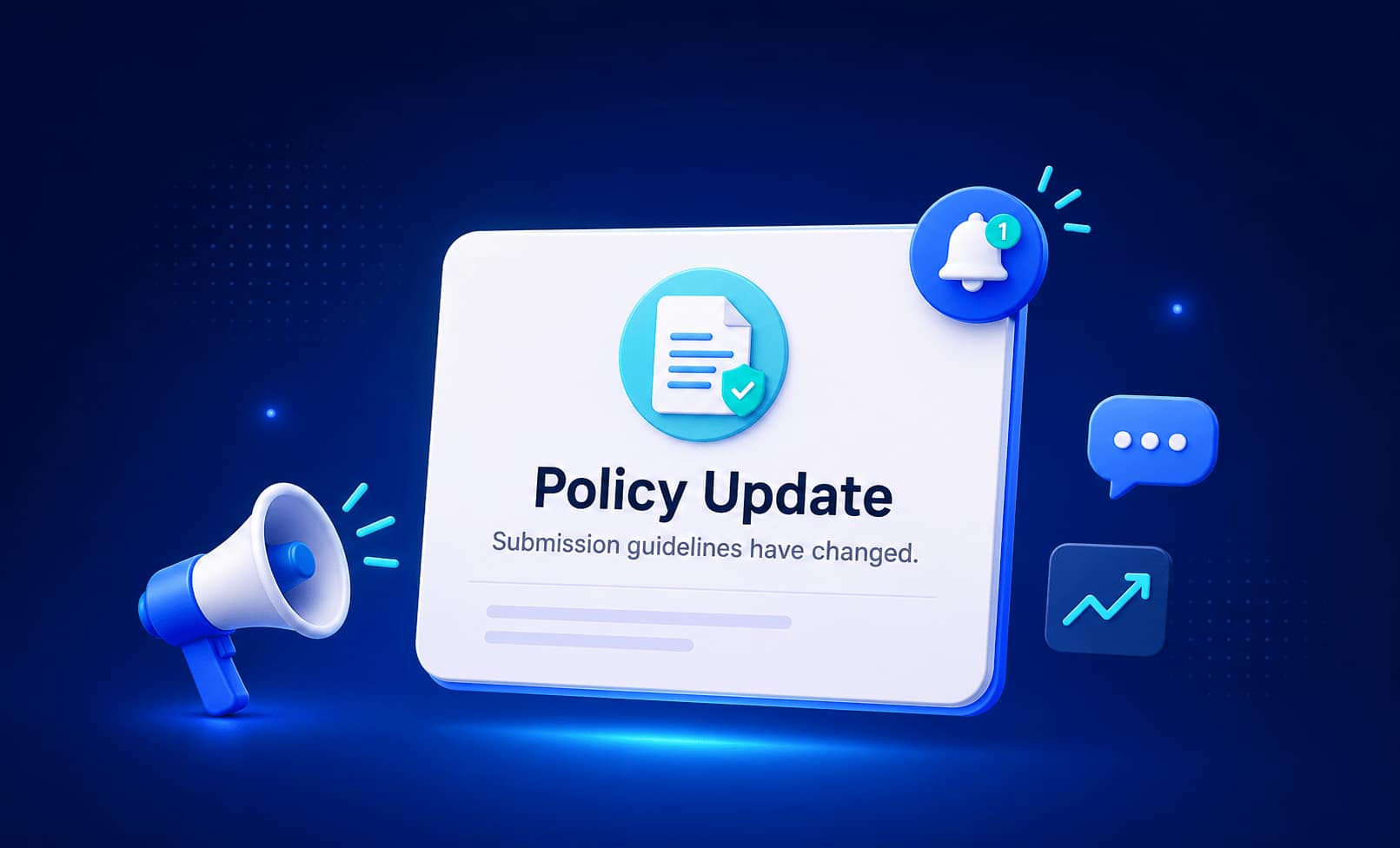
When review rules, submission requirements, or pricing change, existing listing owners need to actually hear about it, not stumble across a blog post they were never going to read. Send the update as an announcement to All User, and use Expires in Days to keep the notice from lingering around long after it’s stopped being relevant.
This use case is less about growth and more about trust, but it’s still a meaningful way to engage directory listing owners on the decisions that affect them directly. Listing owners who find out about a change directly, instead of being caught off guard by it later, are less likely to feel blindsided or churn out of frustration.
4. Welcome and onboard new listing owners
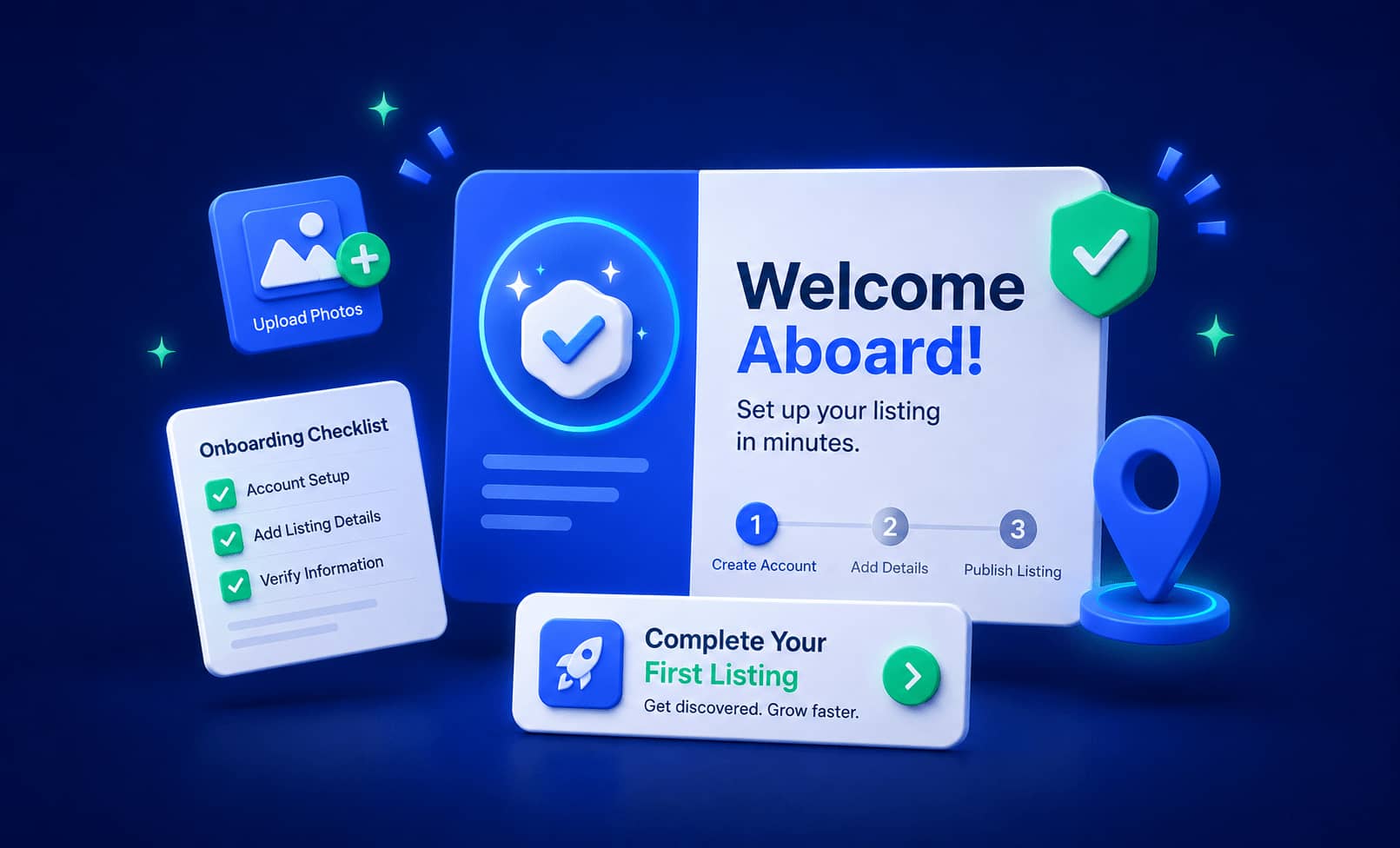
A first announcement to new sign-ups, welcoming them and pointing out a few quick wins, adding photos, filling out optional fields, considering a featured upgrade, works as a lightweight onboarding sequence without setting up any email automation. Keep the message under the 400-character limit and focus on one or two concrete next steps rather than everything at once.
Onboarding is one of the easiest moments to engage directory listing owners, since they’re already paying attention right after signing up. This costs almost nothing to set up and directly affects how complete new listings end up being, which matters for how the whole directory looks to visitors.
5. Send urgent, time-sensitive notices
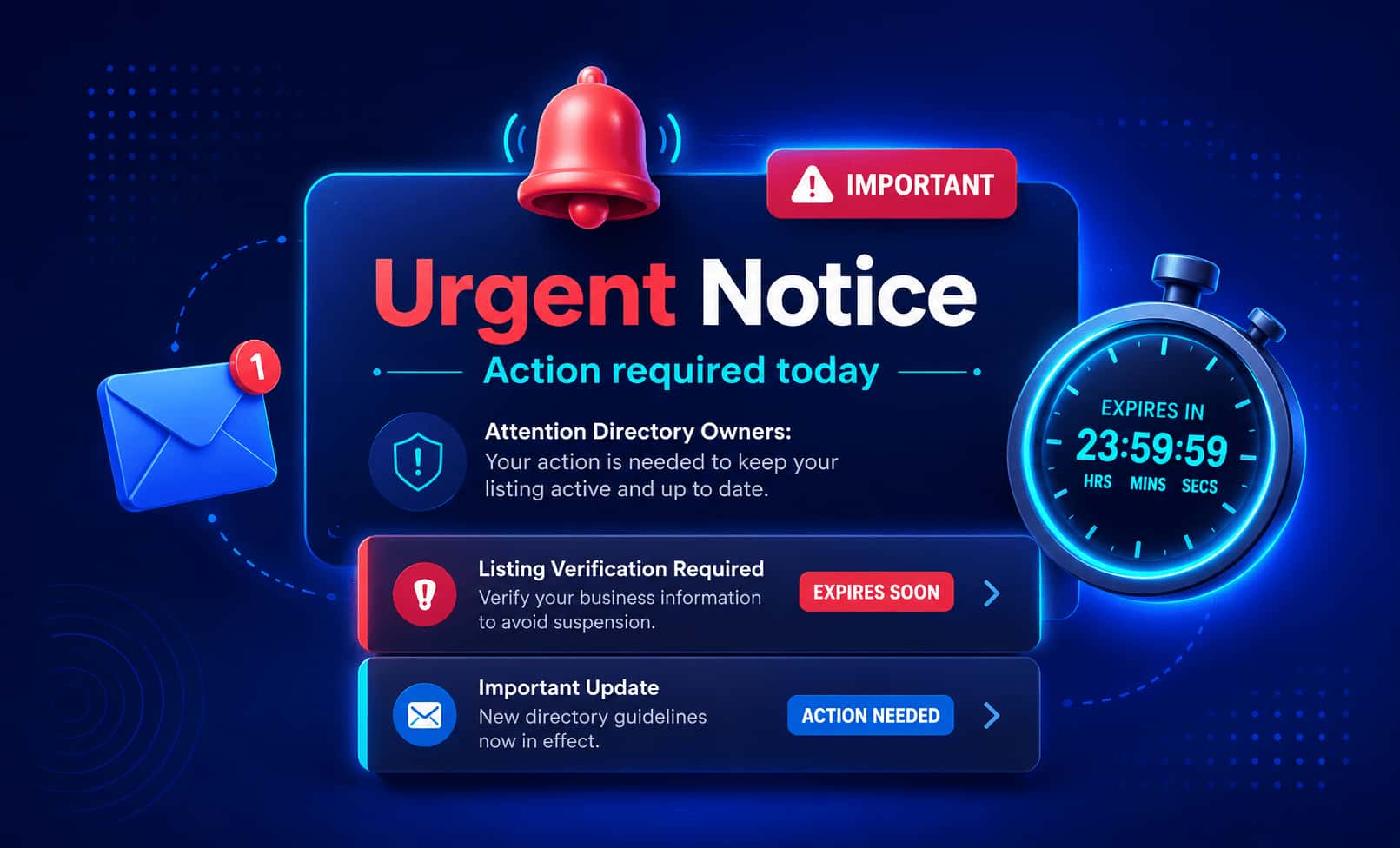
Some messages need to be seen fast: a wave of listings about to expire, planned site maintenance, a last-day reminder to renew a plan. For these, leave Send a copy to email turned on. It’s on by default, and it means the announcement doesn’t just wait quietly in a dashboard tab for someone to happen to open, it also lands in their inbox, which matters when timing is the whole point and you need to engage directory listing owners quickly.
Each of these five ways to engage directory listing owners depends on two things a static banner or a one-off email blast can’t easily do together: choosing exactly who sees the message, and controlling how long it stays around. A banner shows the same thing to every visitor whether it applies to them or not, and it usually stays up until someone remembers to take it down. An announcement can be aimed at the right group and set to disappear on its own, right inside the dashboard a listing owner already checks regularly.
Recap
Promote time-limited deals with expiring, all-user announcements. Re-engage specific inactive listing owners with targeted ones. Announce policy changes clearly instead of hoping people notice. Onboard new listing owners with a simple welcome message. And for anything urgent, keep the email copy on so it doesn’t get missed. These are five different ways to engage directory listing owners, all using one lightweight tool that’s already built into the dashboard your listing owners use.
Make your promotion more effective with Directorist Announcement and learn from documentation how to use it. Join Directorist Community to find more tricks for growing directory business.


Rezaul Karim
Rezaul Karim is a Digital Marketer and Content Strategist at wpWax, the team behind Directorist — trusted by 20,000+ directory websites worldwide. With 6+ years of experience in SEO-driven content and WordPress plugin marketing, he provides data-backed insights on building high-authority directory businesses. From optimizing search visibility to streamlining directory user experiences, Rezaul focuses on practical solutions that drive impressions and conversions. When he isn't auditing site performance or exploring the latest AI-integrated marketing tools, he is an avid reader and advocate for sustainable digital growth.

Leave a Reply
You must be logged in to post a comment.