 Up to 35% Off!



Table of Contents
- 1 Quick Answer
- 2 Quick Comparison Table
- 3 What to Look for in Classified Ads Website Builder Software
- 4 Top 5 Classified Ads Website Builder Software
- 5 Who Should Choose Which?
- 6 How to Build a Classified Ads Website with dClassified
- 7 One Fact Worth Considering
- 8 Frequently Asked Questions
- 8.1 What is the best classified ads website builder software in 2026?
- 8.2 How do I create a classifieds website without coding?
- 8.3 What classifieds software includes advanced search filters?
- 8.4 Can I monetize a classified website without WooCommerce?
- 8.5 How much does it cost to build a classified website in 2026?
- 9 Which Classified Ads Builder You Should Choose?
5 Best Classified Ads Website Builders 2026 (Tested)
-

- Classifieds Listing
- 9 mins read
Whether you’re looking for classified ads website builder software, a classifieds platform, or just want to create a classifieds website without hiring a developer — this guide cuts straight to what works in 2026.
We’ve compared the five platforms that appear most in classified site builder searches, verified their pricing and features, and given an honest assessment of who each one is actually for.
Quick Answer
For WordPress users, dClassified is the best classified ads website builder software in 2026 — it includes the Directorist plugin, core extensions (maps, payments, pricing plans, social login), Elementor, and FormGent bundled in one purchase starting at $69/year. For self-hosted PHP outside WordPress, Yclas (~$19/month). For managed enterprise directories, eDirectory ($99/month). For multi-vendor C2C marketplaces, Tradly ($15/month). Replit is a developer coding tool — not a no-code classified builder.
Quick Comparison Table
| Platform | Type | Starting Price | Coding Required | Best For |
|---|---|---|---|---|
| dClassified | WordPress theme (bundled) | $69/year | No | WordPress classified sites |
| Yclas | Self-hosted PHP script | ~$19/month | Basic | Technical users, non-WordPress |
| eDirectory | SaaS | $99/month | No | Enterprise/professional directories |
| Tradly | SaaS (no-code) | $15/month | No | Multi-vendor C2C marketplaces |
| Replit | AI code builder | $17/month | Yes | Developers only |
Pricing note: All prices are as of July 2026. Verify current pricing from each platform’s official website before purchasing.
What to Look for in Classified Ads Website Builder Software
Before choosing your platform, check for these six things:
Listing management: Can sellers submit and edit their own ads from the front end without admin access? Is there a Mark as SOLD feature and listing expiry?
Search and filters: Do buyers get advanced filters — category, price range, location radius, custom fields? Is map integration included?
Monetization: Can you charge for submissions, featured placements, or subscriptions? Are Stripe and PayPal built in, or do you need WooCommerce?
Mobile experience: Is there a native mobile app for buyers and sellers, or just a responsive web design?
SEO architecture: Does each listing get its own URL? Are schema markup and clean URLs supported?
Trust and moderation: Can you moderate listings before they go live? Is there a rating system and spam protection?
Top 5 Classified Ads Website Builder Software
1. dClassified — Best for WordPress
Best for: WordPress users who want a complete classified platform out of the box | Coding required: No
dClassified is Directorist’s dedicated classified ads WordPress theme — purpose-built for classified listing sites, not adapted from a general-purpose directory theme. When you purchase dClassified, everything you need is bundled in the single purchase: the theme, the Directorist plugin, and the core extensions required to run a fully functional classified site. There is no need to purchase Directorist separately.
What’s bundled in the dClassified purchase:
| Included | What it does |
|---|---|
| Directorist Plugin | The classified ads engine — listing management, search, user dashboard |
| Directorist – Live Chat | Real-time chat between buyers and sellers |
| Directorist – Pricing Plans | Create paid listing packages and subscription tiers |
| Directorist – Listings with Map | Google Maps and OpenStreetMap integration |
| Directorist – PayPal Payment Gateway | Accept payments via PayPal |
| Directorist – Stripe Payment Gateway | Accept payments via Stripe |
| Directorist – Social Login | Google and Facebook login for buyers and sellers |
You also install free from WordPress.org:
- Elementor (required — used for page building and layout)
- FormGent (contact forms on listing pages)
- MC4WP: Mailchimp for WordPress (email newsletter, if needed)
- WpWax Demo Importer (one-click demo import for quick launch)
Key features:
- Front-end seller dashboard — sellers manage their own ads without WordPress admin access
- 14 search filter widgets — category, price range, location, custom fields, and more
- Geolocation and radius search (“show listings within 25 miles”)
- OpenStreetMap (free, no API key) and Google Maps support
- CSV bulk import/export — pre-populate hundreds of listings at launch
- Mark as SOLD — removes sold items from active search automatically
- Listing expiry scheduling — listings auto-expire after a set period
- Guest submission — post without creating an account
- Private messaging system — real-time, secured buyer–seller chat
- Custom badges (Verified, Featured, Hot, New)
- Rating and review system with admin approval
- Flag & report — community moderation
- Google ReCaptcha spam protection
- SEO optimized — built-in SEO system + Popular SEO tools like Yoast, RankMath integration
- GDPR ready, RTL support, translation ready
- Invoice and tax-ready billing
- Unlimited custom fields and multi-directory support
- Native iOS and Android mobile app included via Directorist
Monetization: Paid listings, featured placement, rank featured, claim & verify, pay per submit, subscriptions — all with built-in Stripe and PayPal. No WooCommerce required.
Pricing:
| License | Annual Price | Sites |
|---|---|---|
| Single Site | $69/year | 1 site |
| Up to 5 Sites | $139/year | 5 sites |
| Unlimited Sites | $249/year | Unlimited |
Note: If you also want all other Directorist themes (dRestaurant, dDoctors, OneListing, etc.) plus all 30+ extensions beyond what’s bundled with dClassified, the Directorist Starter bundle at $103/year covers everything. But for a classified-only site, dClassified at $69/year gives you everything you need with no additional purchases.
14-day money-back guarantee.
Pros: Most complete classified feature set, everything bundled (no separate purchases), WordPress-native (your data, your hosting), native mobile app, Elementor page builder, active development (v2.0.19, updated May 2026).
Cons: WordPress only. Requires domain and hosting (~$75–100/year additional).
Verdict: Best classified ads website builder software for WordPress. If you’re on WordPress or open to it, this is the default choice. Score: 9.5/10
2. Yclas — Best Self-Hosted PHP Option
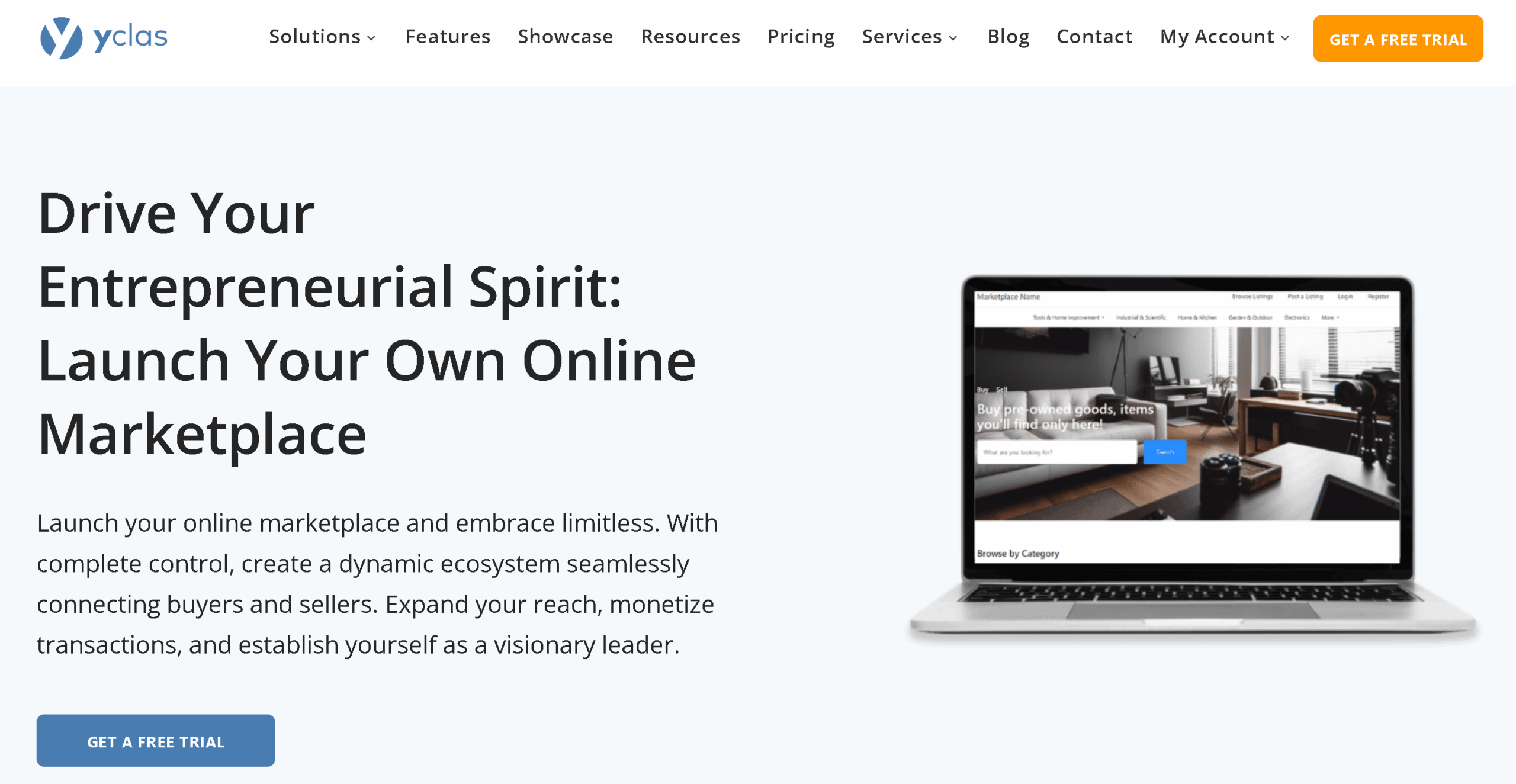
Best for: Technical users who want self-hosted classifieds outside the WordPress ecosystem | Coding required: Basic
Yclas is a self-hosted classified ads PHP script for businesses building local, regional, or international classified sites — used goods, real estate rentals, car sales, or job boards.
What makes it worth using: Unlimited categories, ad moderation with CAPTCHA, PayPal and other payment gateways, Google Maps, private messaging, coupon support, HTML editor for custom pages, and multi-language support. Self-hosted means full data ownership — no SaaS platform terms to comply with.
/Pricing: ~$19/month (~$228/year). Verify at yclas.com.
Pros: Self-hosted and data-owned, multi-language, fast to deploy via their demo installer.
Cons: Requires server management and basic technical comfort. Smaller community than WordPress. Less polished UI.
Verdict: Solid for technical users who want a PHP script outside WordPress. Not for non-technical founders. Score: 8/10
3. eDirectory — Best for Enterprise/Professional Directories
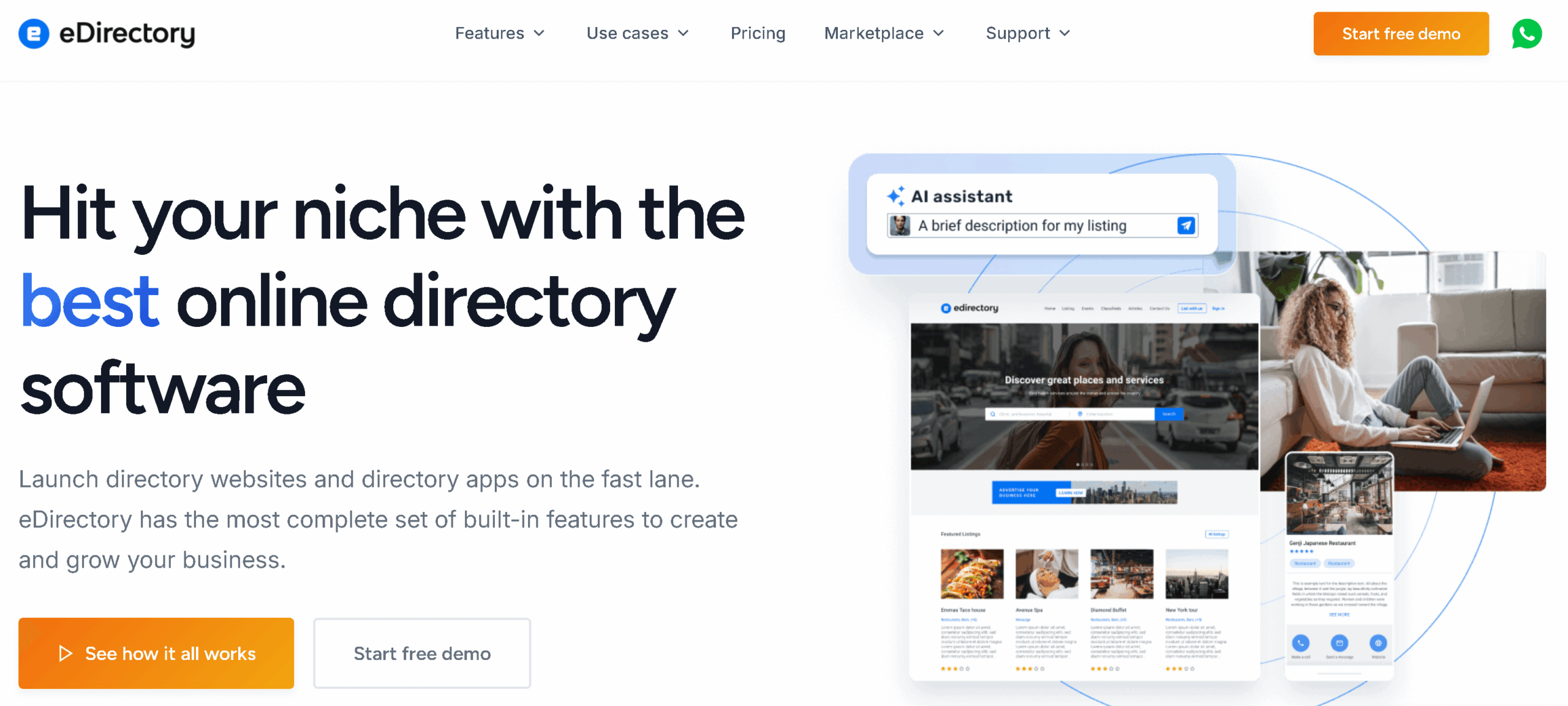
Best for: Organizations and professional niche directories with budget | Coding required: No
eDirectory is a SaaS-based directory and classified platform built since 1995. It’s designed for professional-grade use cases — niche communities, association member directories, and revenue-driven platforms — with drag-and-drop page building, built-in payments, SEO tools, and fully managed cloud hosting.
What makes it worth using: Zero server management (eDirectory handles hosting, security, updates). Polished drag-and-drop builder, multiple payment gateways, analytics, lead generation tools, and white-label options on enterprise plans.
Pricing: Professional at $99/month ($74/month billed annually); Enterprise at $199/month; Source code at $1,499 one-time. Verify at edirectory.com.
Pros: Fully managed, polished, enterprise-grade, long track record.
Cons: Expensive for solo builders or startups. SaaS limits customization flexibility. High monthly recurring cost.
Verdict: Right for organizations with budget that need a managed, turnkey platform. Wrong for lean budgets. Score: 8/10
4. Tradly — Best for Multi-Vendor C2C Marketplaces
Best for: Entrepreneurs building consumer-to-consumer selling platforms | Coding required: No
Tradly is a no-code SaaS platform for marketplace and classified use cases — particularly C2C selling, service booking, and rentals. It’s designed for entrepreneurs who want multi-vendor functionality without backend development.
What makes it worth using: Pre-built marketplace templates, built-in payin/payout with commission management, chat, reviews, multi-language support, and a JavaScript SDK for developers who want to extend it.
Pricing: Starter at $15/month (~$180/year). Higher tiers for scale. Verify at tradly.app.
Pros: No-code, fast setup, built for C2C and multi-vendor, API available, scalable tiers.
Cons: Less control than self-hosted. Feature limits require upgrades. Less suited to pure classifieds (direct transactions without platform payments).
Verdict: Good for C2C marketplaces where the platform manages commissions. Not ideal for traditional classified sites. Score: 8/10
5. Replit — For Developers Only
Best for: Developers who want to prototype a custom classified app | Coding required: Yes
Replit is an AI-powered online IDE — a code editor and deployment platform. Its AI agent can generate a web application from a text prompt, which is why it appears in “classified website builder” searches.
Important: Replit is not a no-code platform. It generates code — and maintaining, customizing, or scaling that code requires ongoing development work. If you’re not a developer, Replit will produce something you can’t reliably run long-term.
Where it genuinely helps: Developers who need a custom prototype with specific logic or integrations that off-the-shelf platforms don’t support.
Pricing: Core at $17/month ($204/year). Verify at replit.com.
Pros: Fastest way for developers to prototype a custom classified site. Instant cloud deployment.
Cons: Requires coding to maintain. Not suitable for non-technical users. Generated code quality varies.
Verdict: For developers prototyping a custom MVP only. Not a no-code classified builder. Score: 7.5/10 (developers) / 4/10 (non-developers)
Who Should Choose Which?
| You are… | Best choice |
|---|---|
| WordPress user who wants everything bundled | dClassified ($69/year) |
| Technical user outside WordPress | Yclas (~$19/month) |
| Organization with enterprise budget | eDirectory ($99/month) |
| Building a C2C marketplace with commissions | Tradly ($15/month) |
| Developer prototyping a custom classified app | Replit ($17/month) |
| Non-technical solo founder on a tight budget | dClassified — lowest total cost for features delivered |
How to Build a Classified Ads Website with dClassified
For most users, dClassified is the starting point. Here’s how to get from zero to live:
1. Choose your niche. General classified sites compete with Craigslist. Niche sites win. Decide before you buy: used vehicles, local services, farm equipment, vintage clothing, rental properties, pets. Your niche sets your categories and custom fields.
2. Get domain and WordPress hosting. Register a domain (~$15/year) and choose a hosting provider. Managed WordPress hosting (SiteGround, Kinsta, WP Engine) handles maintenance. Shared hosting (Hostinger, Bluehost) is cheaper but requires more management.
3. Purchase and install dClassified. Buy from directorist.com/product/dclassified/. Install the theme — Directorist plugin and bundled extensions install alongside it. Install Elementor free from WordPress.org.
4. Import demo content. Use WpWax Demo Importer to import the dClassified demo. Your site instantly has listings, layouts, and category structure to customize.
5. Set up categories and custom fields. Create your taxonomy and add niche-specific fields — condition, price, mileage, square footage, breed, etc.
6. Configure payments. Enter your Stripe API key and/or PayPal credentials. Set up your listing packages — free tier, paid tier, featured upgrade pricing.
7. Configure maps and search. Enable OpenStreetMap (free, no API key) or Google Maps. Set radius search defaults.
8. Install FormGent. Install FormGent for contact forms on listing pages. It integrates natively with dClassified and supports video and voice messages in addition to standard form submissions.
9. Set moderation and listing expiry. Enable admin approval for new listings. Set how long listings stay active before expiring.
10. Import starter listings and launch. Use CSV import to bulk-upload starter listings so buyers arrive to a populated site. Never launch empty.
One Fact Worth Considering
Choosing the right builder is only half the equation – how your classified site looks and converts matters just as much as the platform it runs on. If your site is SaaS-based and you want a design that reflects your brand and drives signups, working with a SaaS web design agency that specializes in conversion-focused builds can close the gap between a functional site and one that actually grows.
Frequently Asked Questions
What is the best classified ads website builder software in 2026?
dClassified is the best classified website builder software for WordPress in 2026. One purchase ($69/year) bundles the Directorist plugin, Live Chat, Pricing Plans, Maps, PayPal, Stripe, and Social Login extensions together — no separate plugin purchases needed. It includes advanced search with 14 filter types, geolocation, private messaging, CSV import, Elementor page building, and a native iOS and Android mobile app.
How do I create a classifieds website without coding?
Install WordPress, then purchase dClassified — the theme installs the Directorist plugin and bundled extensions automatically. Add Elementor (free from WordPress.org) for visual page building, then use the WpWax Demo Importer to get a fully populated, styled site in under an hour. No PHP, HTML, or CSS knowledge required.
What classifieds software includes advanced search filters?
dClassified via Directorist includes 14 search filter widgets: category, price range, location, condition, tags, and any custom fields you create. Filters are configurable per directory type. Geolocation and radius search lets buyers search “within 25 miles” of their current location. All filter sets are customizable without code.
Can I monetize a classified website without WooCommerce?
Yes. dClassified uses Directorist’s native payment system — Stripe and PayPal are built directly into the platform, with no WooCommerce dependency. Monetization options include paid listing packages, featured placement, rank featured, claim & verify, pay-per-submit, and recurring subscriptions.
How much does it cost to build a classified website in 2026?
With dClassified: domain (~$15/year) + WordPress hosting (~$60–100/year) + dClassified theme ($69/year, includes all necessary extensions) = approximately $145–185/year total. There are no separate extension costs for maps, payments, pricing plans, or social login — all bundled. For a lifetime license (no annual renewals), the Directorist Lifetime plan is available at $379 one-time.
Which Classified Ads Builder You Should Choose?
For most people building a classified ads website in 2026, dClassified is the clear starting point — one purchase at $69/year bundles everything: the Directorist classified engine, Live Chat, Pricing Plans, Maps, PayPal, Stripe, and Social Login. Add Elementor (free) and FormGent (free) and you have a fully operational classified platform.
Yclas suits technical users who want self-hosted PHP outside WordPress. eDirectory is right for organizations with enterprise budgets. Tradly fits C2C marketplace operators. Replit is for developers only.
→ Get dClassified from directorist.com — and build your classified site without purchasing anything else.
Related reading:
- How to Create a Classified Website
- How to Monetize a Classified Website
- Best Classified Ads Websites
- Classifieds vs Marketplaces: Which Should You Build?


Rezaul Karim
Rezaul Karim is a Digital Marketer and Content Strategist at wpWax, the team behind Directorist — trusted by 20,000+ directory websites worldwide. With 6+ years of experience in SEO-driven content and WordPress plugin marketing, he provides data-backed insights on building high-authority directory businesses. From optimizing search visibility to streamlining directory user experiences, Rezaul focuses on practical solutions that drive impressions and conversions. When he isn't auditing site performance or exploring the latest AI-integrated marketing tools, he is an avid reader and advocate for sustainable digital growth.


Leave a Reply
You must be logged in to post a comment.