 Up to 35% Off!


Table of Contents
- 1 What Is a WordPress Membership Plugin?
- 2 Why You Need a WordPress Membership Plugin
- 3 Key Features to Look for in WordPress Membership Plugin
- 4 Best WordPress Membership Plugins in 2026
- 5 WordPress Membership Plugin : Comparison Table
- 6 How to Choose the Right WordPress Membership Plugin
- 7 How to Create a Membership Directory in WordPress (Step-by-Step)
- 8 Common Mistakes to Avoid with WordPress Membership Plugin
- 9 Frequently Asked Questions on WordPress Membership Plugin
- 10 Final Thoughts on WordPress Membership Plugin
Best WordPress Membership Plugins in 2026
-

- Directory Niche Plugins
- 13 mins read
If you run a club, association, alumni network, or any group with members, you know the struggle. Spreadsheets get messy. Email lists go out of date. And finding the right person when you need them? Nearly impossible. That is exactly where membership directory plugins come in. These tools turn your WordPress site into a searchable, organized hub where members can create profiles, connect with each other, and manage their own information.
In this guide, we will walk you through the best WordPress membership plugins in 2026. Whether you are a complete beginner or just exploring your options, you will find clear comparisons, honest pros and cons, and a step-by-step guide to help you launch your first WordPress member directory — no coding required.
What Is a WordPress Membership Plugin?
A membership directory plugin is a tool that adds a searchable member list to your WordPress website. Think of it like a digital phonebook for your organization, but much more powerful.
Instead of a static list of names, a membership directory plugin lets each member create their own profile. They can add their photo, bio, contact details, skills, location, and anything else you want to collect. Visitors or other members can then search and filter the directory to find the people they need.
Here are some real-world examples of how organizations use membership directory software:
- Alumni networks — Graduates search for classmates by graduation year, major, or current city.
- Professional associations — Members find colleagues by expertise, certification, or industry.
- Community groups — Leaders keep an up-to-date list of families and volunteers.
- Sports clubs — Teams manage rosters and let parents find coaches or coordinators.
- Co-working spaces — Members discover other professionals and freelancers in the same building.
One important distinction: a “membership plugin” (like MemberPress) is typically about restricting content and managing paid subscriptions. A “membership directory plugin” is about displaying and organizing member profiles. Some tools do both, but most specialize in one or the other.
Why You Need a WordPress Membership Plugin
Managing member information manually wastes time and creates problems. Here is why a WordPress member directory plugin is worth the investment:
- Organized, searchable profiles. Members can be found instantly by name, location, skill, or any custom field you set up.
- Self-service management. Members update their own profiles, so your data stays current without constant admin work.
- Built-in search and filters. Visitors can narrow results using dropdowns, keyword search, maps, and more.
- Monetization potential. Charge for premium listings, featured placements, or paid membership tiers.
- Professional appearance. A clean, branded directory looks far more credible than a shared Google Sheet.
- Time savings. Automating registration, profile management, and notifications frees up hours every week.
- Community building. When members can see and connect with each other, your organization feels more alive.
If your group has more than 20 members, a WordPress contact list plugin will save you real headaches. And if you are planning to grow, starting with the right tool now prevents painful migrations later.
Key Features to Look for in WordPress Membership Plugin
Not all directory plugins are created equal. Here are the features that matter most, especially if you are a WordPress beginner.
1. Frontend submission forms. Members should be able to register and create profiles from the front end of your site — no access to the WordPress dashboard needed. This keeps things simple and secure.
2. Customizable user profiles. You need control over what information appears in each profile. Look for plugins that support custom fields, so you can collect exactly the data your organization needs (job title, certification level, social media links, etc.).
3. Advanced search and filter options. A directory is only useful if people can find who they are looking for. The best WordPress contact directory plugins include location-based search, keyword filters, category dropdowns, and even radius search on a map.
4. Monetization and payment integration. If you plan to charge for listings or memberships, choose a plugin that integrates with payment gateways like Stripe or PayPal. Some plugins offer built-in pricing plans and subscription management.
5. Custom fields. Every organization has unique data needs. Custom fields let you add text boxes, dropdowns, checkboxes, file uploads, and more to your member profiles.
6. Easy setup and beginner-friendly interface. If you are not a developer, look for drag-and-drop builders, setup wizards, and clear documentation. A plugin that takes a weekend to configure is not beginner-friendly.
7. Mobile responsiveness. Many of your members will browse the directory on their phones. Make sure the plugin’s templates look good on all screen sizes.
Best WordPress Membership Plugins in 2026
We reviewed the most popular options to help you find the best WordPress membership directory plugin for your needs. Here is what stood out about each one.
1. Directorist
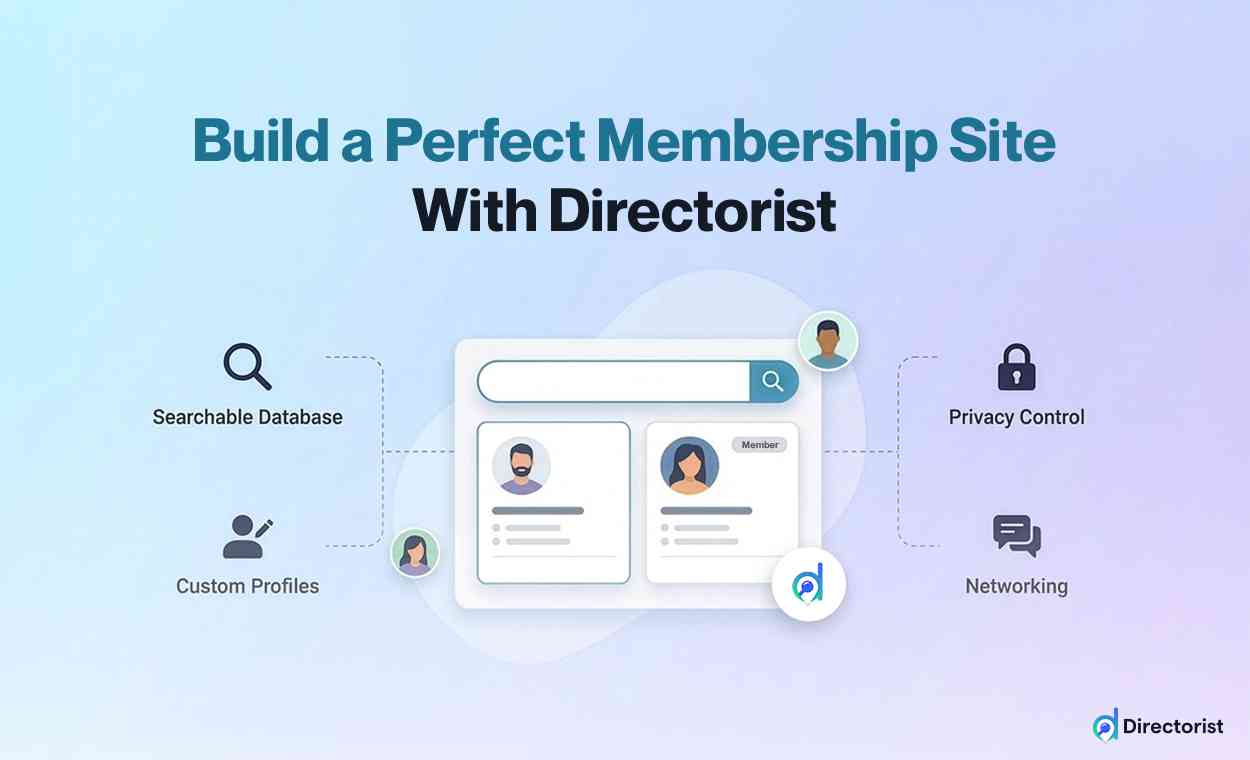
Directorist is a versatile directory plugin built by wpWax. While it is widely known for business directory sites, it works equally well as a member listing plugin. Its drag-and-drop form builder makes it easy for beginners to set up custom member profiles without writing any code.
Key Features:
- Drag-and-drop form builder with custom fields
- Advanced search and filter system (including radius/map search)
- Multi-directory support — run different directory types on one site
- Built-in monetization with pricing plans, featured listings, and payment gateways
- Frontend listing submission and profile management
Pros:
- Generous free version with core features included
- Very flexible — works for member directories, business directories, and more
- Active development with regular updates
- Strong community and responsive support team
Cons:
- Advanced features require paid extensions
- Can feel overwhelming at first due to the number of options
- Some design customization may need basic CSS knowledge
Pricing: Free core plugin. Premium bundles start around $119/year.
Best For: Beginners who want a flexible, all-in-one directory plugin for WordPress with room to grow and monetize.
2. Ultimate Member

Ultimate Member is one of the most popular free user profile and directory plugins on WordPress. It focuses specifically on frontend user profiles, registration forms, and member directories — making it a natural fit for organizations that want a clean, profile-focused directory.
Key Features:
- Customizable user profiles with drag-and-drop form builder
- Member directories with advanced search and filtering
- User role management and content restriction
- Conditional logic for registration and profile forms
- Integrations with WooCommerce, LearnDash, and other popular plugins
Pros:
- Powerful free version that covers most basic needs
- Clean, modern interface for both admin and members
- Large user community with plenty of tutorials
- No per-user pricing — costs stay flat as you grow
Cons:
- Advanced features (like content restriction and social login) require paid extensions
- Some recent reviews mention slower support response times
- Less suited for business-style directory listings
Pricing: Free core plugin. Extension pass starts at $249/year.
Best For: Organizations that primarily need user profiles and a searchable people directory without complex business listing features.
3. WP User Frontend

WP User Frontend is a feature-rich plugin built by weDevs that focuses on frontend content management. It lets members submit posts, edit their profiles, and manage content entirely from the front end — without ever seeing the WordPress dashboard. Its built-in user directory and membership modules make it a strong choice for organizations that want members to actively contribute content alongside their profiles.
Key Features:
- AI-powered drag-and-drop form builder for posts, registration, and profiles
- Built-in user directory and profile builder modules
- Subscription and membership management with payment integration (Stripe, PayPal)
- Frontend post submission with content moderation and scheduling
- 20+ modules including social login, private messaging, and email templates
Pros:
- Excellent for sites where members need to submit content (articles, listings, events)
- Strong free version with 20K+ active installations
- AI form builder saves significant setup time
- Integrates with BuddyPress, Paid Memberships Pro, WooCommerce, and more
Cons:
- User directory is a module, not the core focus — requires Pro for full directory features
- Interface can feel complex for users who only need a simple directory
- Some users report occasional support delays
Pricing: Free core plugin. Pro plans start at $49/year (Personal).
Best For: Organizations where members need to submit and manage content (posts, listings, events) from the frontend alongside a user directory.
4. Smart Team

Smart Team by ShapedPlugin is a dedicated team and staff showcase plugin trusted by over 15,000 businesses, including organizations like Stanford University. While it is primarily a team display plugin, its 10 layout options, ajax filtering, and member detail pages make it a great fit for organizations that want a visually polished member or staff directory without the complexity of a full membership system.
Key Features:
- 10 unique layouts: carousel, grid, list, isotope filter, mosaic, table, accordion, organization chart, and more
- Ajax live filtering by group, position, and location
- Detailed member profiles with skill bars, social links, and custom fields
- vCard/PDF download for individual member profiles
- Schema markup for SEO-friendly team pages
Pros:
- Stunning visual presentation with more layout variety than any competitor
- Very easy to set up — no coding needed, live preview in admin
- Lightweight and fast with clean code
- Works seamlessly with Elementor, Divi, Gutenberg, and all major page builders
Cons:
- Designed for admin-managed member profiles — members cannot self-register or edit their own profiles
- Not a full membership or user management system
- Advanced layouts and filtering require the Pro version
Pricing: Free core plugin. Pro starts at $49/year (single site). Lifetime deals available.
Best For: Organizations that need a beautifully designed staff directory or team showcase managed by an admin, rather than a self-service member directory.
5. Paid Memberships Pro

Paid Memberships Pro is primarily a membership management plugin, but it includes a member directory add-on that turns it into a powerful combo tool. If your organization charges for memberships and needs a directory, this plugin handles both.
Key Features:
- Membership levels with content restriction
- Built-in payment processing (Stripe, PayPal, and more)
- Member directory add-on with search and filters
- Subscription management with recurring billing
- Extensive library of free and premium add-ons
Pros:
- Excellent for organizations that charge membership fees
- Strong payment and subscription management
- Completely free core plugin with many free add-ons
- Well-documented with active support forums
Cons:
- Directory is an add-on, not the core focus
- Setup is more complex than pure directory plugins
- Premium plans are pricier than some alternatives
- Overkill if you only need a directory without paid memberships
Pricing: Free core plugin. Premium plans start at $247/year.
Best For: Organizations that need paid membership management (subscriptions, content restriction) with a directory component built in.
6. MemberPress
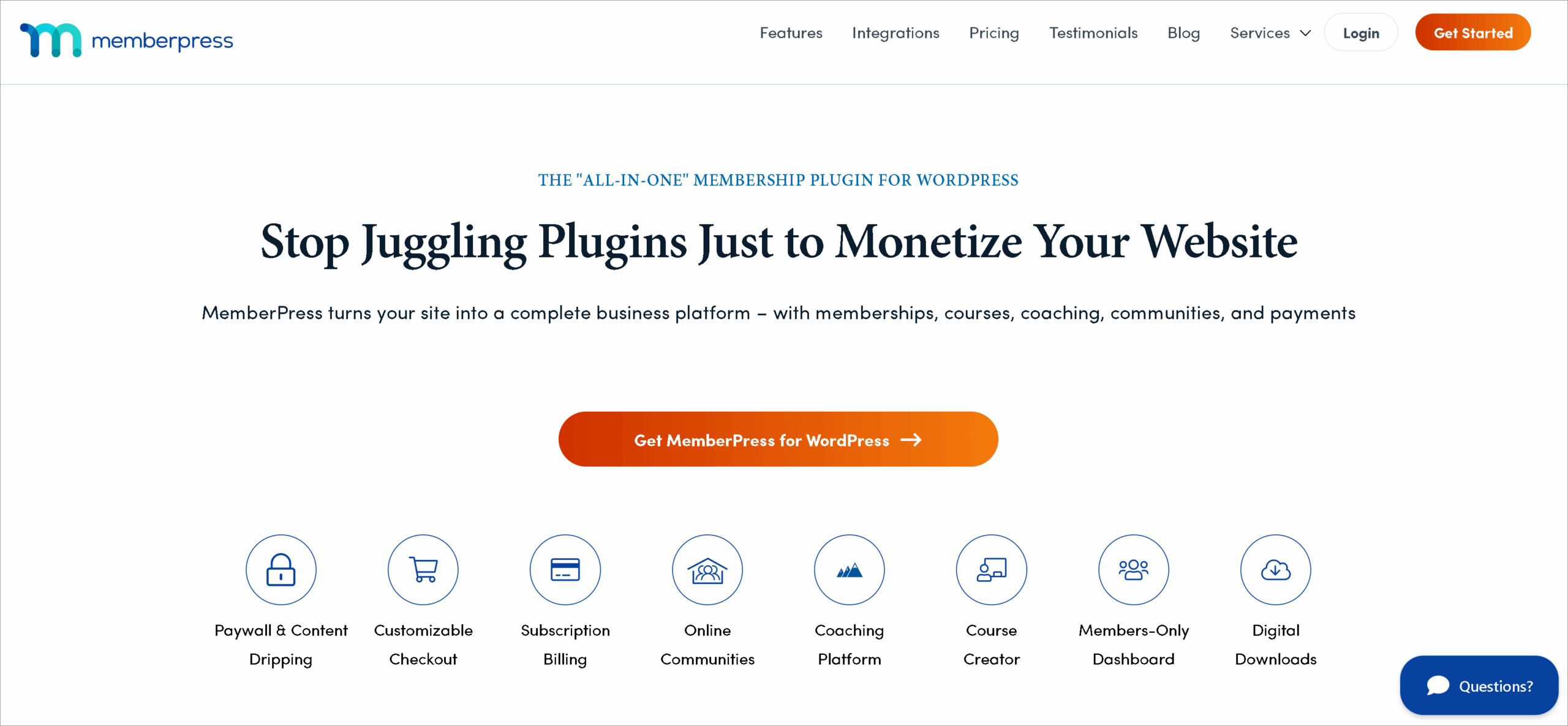
MemberPress is a premium WordPress membership plugin focused on content restriction, course creation, and subscription management. Its directory features are secondary to its paywall and LMS capabilities, but it can work as a membership directory software solution for the right use case.
Key Features:
- Powerful content restriction and drip content
- Course builder for online learning
- Subscription and payment management
- Member directory through integrations or custom setup
- Affiliate program support
Pros:
- Best-in-class paywall and content restriction features
- Excellent for selling courses or premium content
- Reliable recurring payment handling
- Strong documentation and support
Cons:
- No free version available
- Directory features require additional configuration or third-party tools
- Higher price point than most alternatives
- More complex than what most directory-only users need
Pricing: Starts at $179.50/year (premium only, no free version).
Best For: Sites where paid content, courses, or subscription management are the primary need, and a member directory is a secondary feature.
WordPress Membership Plugin : Comparison Table
| Plugin | Ease of Use | Free Version | Starting Price | Best Feature | Best Use Case |
| Directorist | Easy | Yes | ~$119/year | Membership Directory + Multi-directory + Multiple monetization Feature | Flexible all-in-one directories |
| Ultimate Member | Easy | Yes | $249/year | Frontend user profiles | Profile-focused people directories |
| WP User Frontend | Moderate | Yes | $49/year | AI form builder + frontend posting | Content-driven member portals |
| Smart Team | Very Easy | Yes | $49/year | 10 stunning display layouts | Visual staff/team showcases |
| Paid Memberships Pro | Moderate | Yes | $247/year | Payment + subscription tools | Paid membership organizations |
| MemberPress | Moderate | No | $179.50/year | Content restriction + courses | Premium content and course sites |
How to Choose the Right WordPress Membership Plugin
With so many options, picking the right membership directory plugin can feel overwhelming. Here is a simple framework to guide your decision.
Start with your budget. If you are just getting started and want to test the waters, go with a plugin that has a strong free version. Directorist, Ultimate Member, and Smart Team all let you build a working directory at zero cost. If you have budget to invest, consider what premium features you actually need before committing to a paid plan.
Consider your skill level. If you have never built a WordPress site before, prioritize plugins with setup wizards and drag-and-drop builders. Directorist and Smart Team are among the easiest to configure. WP User Frontend and Paid Memberships Pro have more moving parts and may take longer to set up.
Match features to your needs. Ask yourself: Do you need just a member list, or also payment processing, content restriction, or social features? If you only need profiles and search, Ultimate Member or Smart Team will do the job. If you need monetization, Directorist or Paid Memberships Pro are stronger choices.
Think about scalability. A plugin that works for 50 members might struggle with 5,000. If you plan to grow, choose a plugin with proven performance at scale and a clear upgrade path. Directorist and Paid Memberships Pro are both designed to handle large directories.
Quick decision guide:
- Need a free, flexible all-in-one solution? → Directorist
- Want clean user profiles with minimal setup? → Ultimate Member
- Members need to submit content from the frontend? → WP User Frontend
- Need a stunning visual team or staff showcase? → Smart Team
- Charging for memberships and need payment tools? → Paid Memberships Pro
- Selling courses or premium content? → MemberPress
How to Create a Membership Directory in WordPress (Step-by-Step)
Here is how to set up a working membership directory using WordPress. We will use Directorist as the example since its free version covers all the basics, but the general steps apply to most directory plugins for WordPress.
Step 1: Install WordPress. If you do not already have a WordPress site, set one up with your hosting provider. Most hosts offer one-click WordPress installation.
Step 2: Install your directory plugin. Go to Plugins → Add New in your WordPress dashboard. Search for “Directorist” (or your chosen plugin), click Install, then Activate.
Step 3: Run the setup wizard. Most modern directory plugins include a setup wizard that walks you through the initial configuration. Follow the prompts to set your directory type, default categories, and basic settings.
Step 4: Create custom fields for member profiles. Go to the plugin’s form builder and add the fields you need — name, photo, bio, location, phone number, expertise, or any other data relevant to your organization.
Step 5: Set up your directory page. The plugin will typically create a directory page automatically. Check that it displays correctly, test the search and filter options, and adjust the layout if needed.
Step 6: Invite members to register. Share your site’s registration link with your members. They can create accounts, fill in their profiles, and appear in the directory immediately (or after admin approval, depending on your settings).
Step 7: Customize the appearance. Adjust colors, layouts, and profile card designs to match your organization’s branding. Most plugins work with popular page builders like Elementor and Gutenberg.
That is it. With these seven steps, you will have a working membership directory live on your WordPress site.
Common Mistakes to Avoid with WordPress Membership Plugin
Even the best plugin will not save you if you make these common errors. Here is what to watch out for.
1. Choosing an overly complex plugin. If you only need a simple member list, do not install a full social networking platform. Extra features mean extra complexity, slower load times, and more things that can break. Start simple and upgrade when you actually need more.
2. Ignoring scalability. Your directory might start with 30 members, but what happens when it grows to 3,000? Choose a plugin that can handle growth without forcing you to start over. Check reviews and documentation for performance at scale.
3. Not planning for monetization. If there is any chance you will want to charge for listings or memberships later, choose a plugin with built-in payment features now. Migrating to a new plugin later is painful and risks losing member data.
4. Skipping mobile testing. More than half of your members will likely access the directory from their phones. After setting up your directory, test it on multiple devices. If profiles look broken on mobile, switch to a more responsive plugin or theme.
5. Forgetting user roles and permissions. Decide who can see what before you launch. Should all profiles be public, or only visible to logged-in members? Can members edit each other’s listings? Setting clear permissions from the start prevents privacy issues down the road.
Frequently Asked Questions on WordPress Membership Plugin
What is the best WordPress Membership Plugin?
The best plugin depends on your needs. If you want a flexible and customizable membership-focused solution, Directorist is a strong option. If your priority is paid membership control, MemberPress or Paid Memberships Pro may be better.
Can I create a member directory in WordPress without coding?
Yes. Most modern WordPress Membership Plugins like Directorist let you build a directory without coding. You can manage profiles, fields, and directory pages from the WordPress dashboard.
Can I monetize a membership directory?
Yes. Many plugins support paid plans, subscriptions, featured listings, or restricted access models.
Is Directorist only for business directories?
No. While Directorist is widely used for business directories, it is flexible enough to be adapted for member directories and other listing-based websites too.
Final Thoughts on WordPress Membership Plugin
Building a membership directory does not have to be complicated. The right WordPress membership plugin handles the heavy lifting — profiles, search, filters, and even payments — so you can focus on growing your community.
Every plugin we reviewed in this guide has genuine strengths. Your best choice depends on your specific needs, budget, and technical comfort level. Use the comparison table above to narrow your options, and do not be afraid to test a free version before committing to a paid plan.
If you are looking for a flexible, beginner-friendly option that can grow with you, Directorist’s free version is a solid place to start. It gives you custom profiles, advanced search, and monetization tools right out of the box — no coding required.

Whatever you choose, the most important step is the first one. Pick a plugin, set it up, and get your members connected.
If you liked our posts, don’t forget to subscribe to our blog so that we can notify you once any post is published. Directorist is now on Twitter & Facebook! You can also join the Directorist Community for sharing your thoughts and experiences relating to the directory niche. Come and join us to see what we’re up to.

Rezaul Karim
Rezaul Karim is a Digital Marketer and Content Strategist at wpWax, the team behind Directorist — trusted by 20,000+ directory websites worldwide. With 6+ years of experience in SEO-driven content and WordPress plugin marketing, he provides data-backed insights on building high-authority directory businesses. From optimizing search visibility to streamlining directory user experiences, Rezaul focuses on practical solutions that drive impressions and conversions. When he isn't auditing site performance or exploring the latest AI-integrated marketing tools, he is an avid reader and advocate for sustainable digital growth.


Leave a Reply
You must be logged in to post a comment.