 Up to 35% Off!



Best Free WordPress SEO Plugins for Your Classified Ads Website
Congratulations on setting up your classified ads website! Now it’s time to make sure that your website stands out from the competition and attracts the right audience. One of the most effective ways to achieve this is through search engine optimization (SEO). Luckily, WordPress offers a plethora of free SEO plugins that can take your website to the next level.
In this article, we’ll walk you through some of the best free WordPress SEO plugins that are specifically tailored for classified ads websites. These plugins are designed to optimize your website’s content, enhance its visibility on search engines, and ultimately drive more traffic to your listings. By leveraging these powerful tools, you’ll be able to stay ahead of the game and increase the chances of your ads reaching the right audience.
So, get ready to explore a range of features and functionalities offered by these plugins. From optimizing meta tags to generating XML sitemaps, these tools will equip you with the necessary resources to enhance your website’s search engine rankings and maximize its potential. Let’s dive in and discover the best free WordPress SEO plugins for your classified ads website.
Why SEO Plugins Really Matter for Classified Ads Websites?

Classified ads websites are a dime a dozen. So, how do you make yours stand out from the rest? The answer is simple: by using an SEO plugin.
What is an SEO plugin? It’s a tool that helps you optimize your website for search engines. In other words, it makes it easier for people to find your site when they’re searching for relevant keywords.
There are a few reasons why SEO plugins are so important for classified ads websites.
- First, because classified ad sites are often heavy on text, it can be difficult for search engines to index all of the content. An SEO plugin can help to overcome this issue.
- These plugins can help you to optimize your website for specific keywords. This is important because it can help you to get more traffic from people who are searching for those keywords
- SEO plugins can help you to create XML sitemaps, which can make it easier for search engines to index your website. This is important because it will help your website show up in more search results
So make sure you have installed the right SEO plugin for your Classified ads website so that you can bring the site to an incredible height.
How to Choose the Right SEO Plugin for Your Classified Ads Website?
If you want to make sure your classified ads website is well-optimized for search engines, then you need to choose the right SEO plugin. There are a lot of different SEO plugins out there, so how do you know which one is right for your site? Here are a few things to look for when choosing an SEO plugin for your classified ads website:
Ease of use

The last thing you want is a plugin that’s difficult to use and configure. Look for an SEO plugin that’s easy to set up and use, so you can get your site optimized quickly and easily.
Compatibility

Make sure the plugin you choose is compatible with your classified ads themes and other page builders. If it’s not compatible, then it won’t do you any good.
Speed & Capacity

A good SEO plugin should improve the speed of your site. If a plugin slows down your site, it’s not worth using. Also, make sure the plugin you choose can handle the traffic on your site. A plugin that crashes or doesn’t work well with high traffic can do more harm than good.
Security

Does the plugin have any known vulnerabilities? Checking the WordPress plugin directory or other online resources can help you determine if there are any known issues with the plugin you’re considering.
By taking security into consideration when choosing an SEO plugin for your classified ads website, you can help protect your site from potential risks.
Update

Before you go for an SEO plugin for a classified website, you should consider whether or not the plugin is up-to-date. Sincerely speaking, outdated plugins can often cause more harm than good when it comes to SEO. This is because search engines are constantly changing their algorithms, and if your website isn’t updated to reflect those changes, it could actually end up ranking lower.
So, before you buy an SEO plugin for your classified ads website, make sure that the SEO plugin is fully updated and compliant with all the latest changes. Doing so will help ensure that your website ranks as high as possible in search engines.
Best Free WordPress SEO Plugins for Classified Websites- Top 5 Picks
If you are running a classified ads website on WordPress, then you need to make sure that you are using the best WordPress SEO plugins to help your site rank higher in search engine results pages. Here are some of the best plugins that you can use to optimize your website for better search engine visibility:
1. Rank Math
Overview
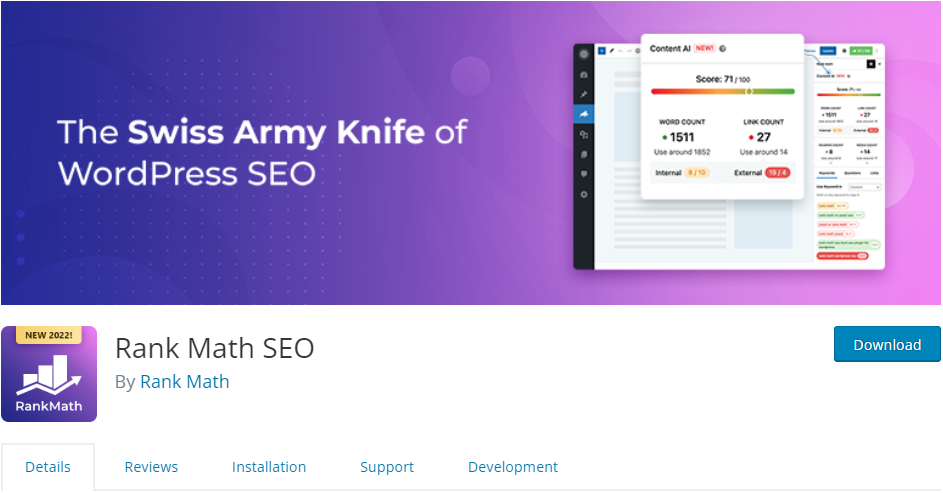
Rank Math is a popular SEO plugin that can help you get more traffic and improve your search engine ranking. Here’s a look at some of the features that make Rank Math a great choice for your classified ads website.
Features
Rank Math helps you optimize your website for better search engine visibility. It allows you to customize titles and descriptions for each page and post and also provides advanced options for breadcrumbs, social media, and Schema markup. The plugin also includes a built-in sitemap generator and support for Google AMP pages. Apart from these, here are other features.
- Use Artificial Intelligence to write SEO-optimized content
- Dynamic Suggestions
- Intelligent Recommendations
- Dynamic Keywords
- Intelligent Questions (With Schema Markup)
- Smart Link Suggestions
- Extra Keyword Info
- Related Keywords
- Full Control via Role Manager
- And many more
With Rank Math, you can fine-tune your website to get the best results from search engines.
Why it is the #1 choice?
Rank Math has come to the industry just a few years back. Despite this fact, it is a name that has spread across the industry. The bucket full of features and the availability of a free version makes it very interesting and lucrative to its audience. The introduction of artificial intelligence is the feature that has touched an SEO plugin first. And, that plugin we call Rank Math. These are the reasons why we put it atop our list.
2. Yoast SEO
Overview
This is one of the most popular SEO plugins for WordPress and it can really help boost your website’s search engine rankings. It is easy to use and it comes with a lot of features that can help you optimize your site for better visibility.
Features
Yoast SEO is a WordPress plugin that helps you to optimize your website for search engines. It provides you with an easy-to-use interface for managing your website’s title, meta tags, and other important SEO settings. Most importantly, the plugin comes with an extensive list of features, including the ability to fine-tune your website’s title and meta tags. What’s more, Yoast SEO provides you with tips and advice on how to improve your website’s ranking in search engines. Apart from these, here is a list of its amazing features.
- Advanced XML sitemaps
- Title and meta description templating
- An in-depth Schema.org integration
- Full control over site breadcrumbs
- Faster loading times
- Readability analysis
Finally, If you’re looking to give your classified ads website a boost in search engine rankings, then Yoast SEO is a plugin worth considering.
3. All in One SEO Pack
Overview
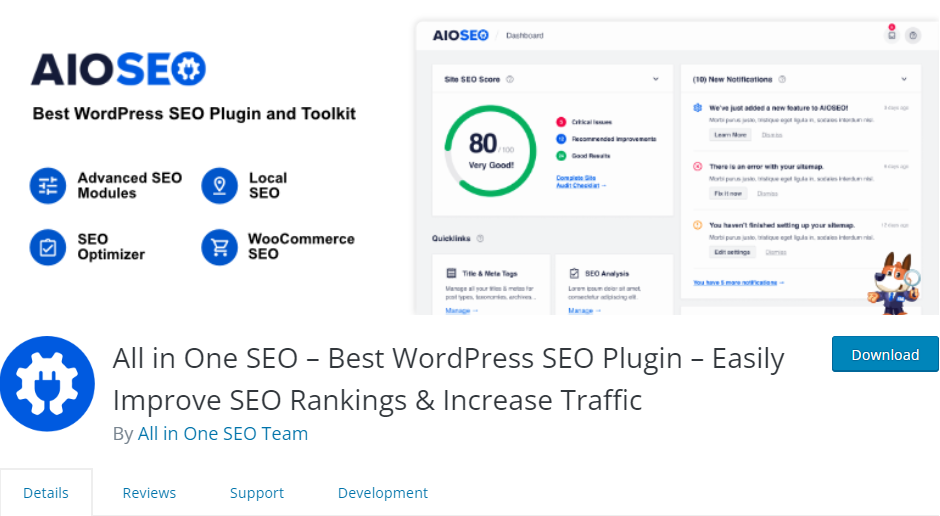
This plugin is also very popular and it provides a lot of features that can help you optimize your website for better search engine rankings. It is easy to use and it comes with a lot of documentation so you can easily learn how to use all its features.
Features
Looking to take your classified ads website to the next level with SEO? Then you need the All in One SEO Pack WordPress SEO plugin. With this plugin, you’ll be able to optimize your website for search engines and get more traffic. It includes all the features you need to get started with SEO, including title optimization, meta tags, and sitemaps. Plus, it’s easy to use and install. So if you’re not a tech-savvy person, don’t worry! This plugin will do all the work for you. Here are some of its features.
- WordPress SEO setup wizard
- On-page SEO optimization
- Unlimited SEO keywords
- Video SEO sitemap
- Rich snippets schema
- SEO knowledge graph support
- Advanced SEO schema
- Google search console
- User access control
So what are you waiting for? Get the All in One SEO Pack plugin today and start getting more traffic to your classified ads website!
4. SEOPress
Overview
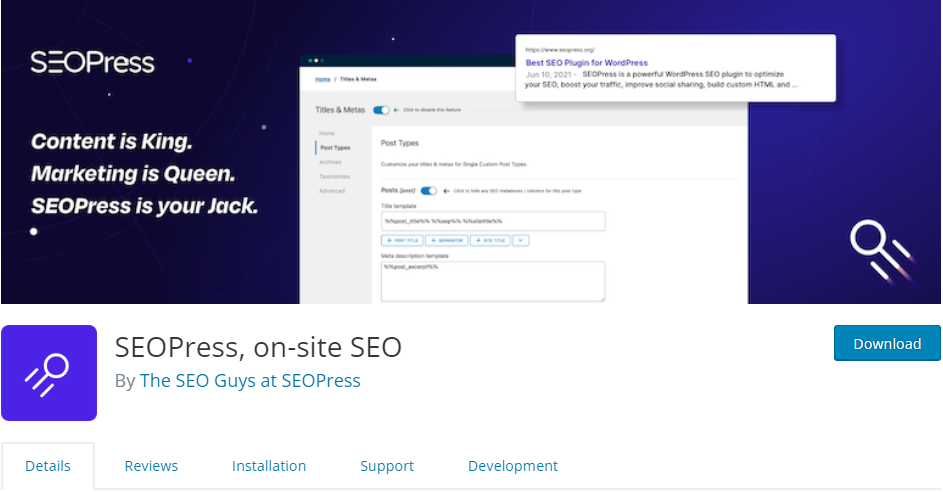
When it comes to SEO for your classified ads website, there are very few options better than SEOPress. SEOPress is a leading provider of WordPress SEO plugins and has a wide variety of options to choose from. Whether you want to improve your website’s ranking in search engines or increase the visibility of your classified ads, SEOPress is a plugin that can help.
Features
This plugin includes all the features you need to optimize your website for search engines and increase your traffic. It includes a powerful keyword research tool, automatic sitemap generation, and automated robots.txt file creation. The plugin also provides detailed analytics so you can track your progress and see where you need to improve. Let’s have a closer look at its features.
- Microsoft Clarity integration
- Google Knowledge Graph
- Facebook & Twitter Social Preview
- Installation wizard
- Custom Canonical URL
- Import / Export settings from site to site
- Content analysis with unlimited keywords
Don’t wait to improve your website’s SEO. Get the SEOPress plugin now and start seeing results immediately.
5. The SEO Framework

Overview
There are a number of great SEO plugins available for WordPress, but The SEO Framework is one of the best. This plugin automatically optimizes your website for search engines, helping you to get more traffic and improve your ranking.
Features
The SEO Framework is easy to use and configure, and it’s compatible with all major WordPress themes and plugins. It also offers a range of features that other typical WordPress SEO plugins don’t, such as automatic title and meta tag generation, sitemap creation, and support for Google AMP pages. Apart from these, here is a list of some of its features.
- Internationalization through WordPress.org
- RTL support
- WordPress Multisite setups
- Detection of various other SEO tools to help you switch graciously
- Translation plugins like WPML, Polylang, WPGlobus, and MultilingualPress
This plugin is the best way to quickly and easily improve your website’s SEO. Don’t wait any longer, install The SEO Framework now and watch your traffic grow!
Conclusion
In conclusion, these are the best free WordPress SEO plugins for classified websites. They will help you to make your site more visible in search engines and to attract more visitors. With these plugins, you can optimize your site for better search engine rankings, and get more traffic and customers.
If you liked our posts, don’t forget to subscribe to our blog so that we can notify you once any post is published. Directorist is now on Facebook, Twitter, and LinkedIn! You can also join the Directorist Community for sharing your thoughts and experiences relating to the directory niche. Come and join us to see what we’re up to.



Md. Hamim Khan
Md Hamim Khan is the Content and SEO Manager at Directorist, where he creates engaging content that helps improve online visibility. When he’s not at work, he loves playing cricket and enjoys chatting with friends, family, and colleagues.


Leave a Reply
You must be logged in to post a comment.