

Extensions #
The Extensions section is where installed Directorist extensions appear and where you can browse what is available to add.
Path: WP Admin → Directorist → Settings → Extensions
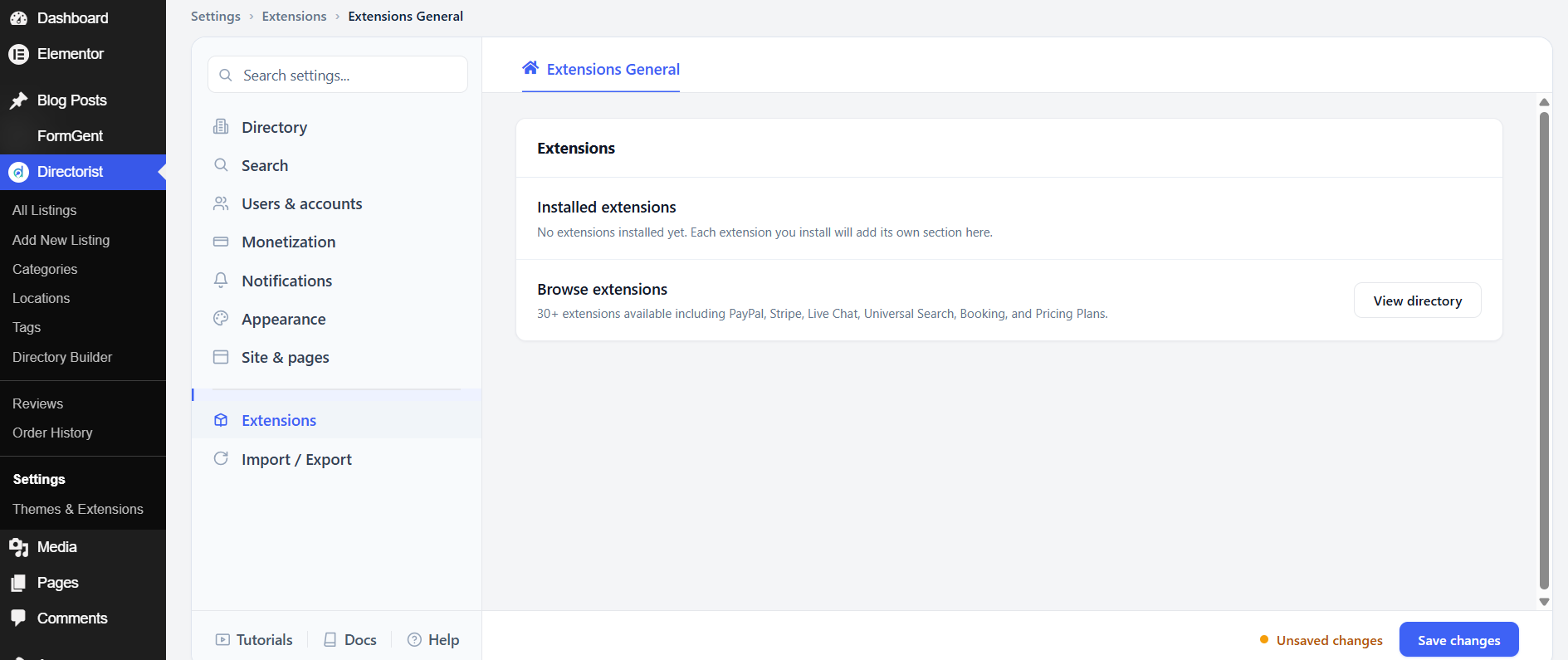
If you have installed any extensions, each one adds its own settings block in this section. If no extensions are installed, a placeholder message appears with a link to browse the extension library.
More than 30 extensions are available, including payment gateways (PayPal, Stripe, Authorize.Net), communication tools (Live Chat), advanced search (Universal Search), booking functionality, and pricing plans. Click View directory to browse and install them.


