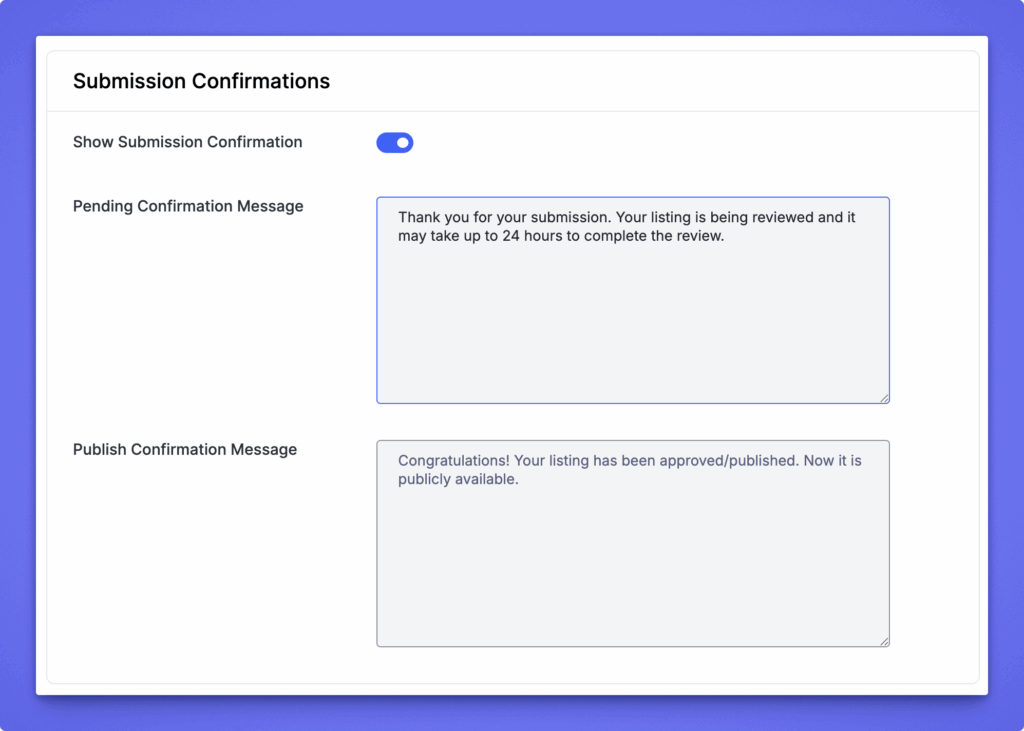
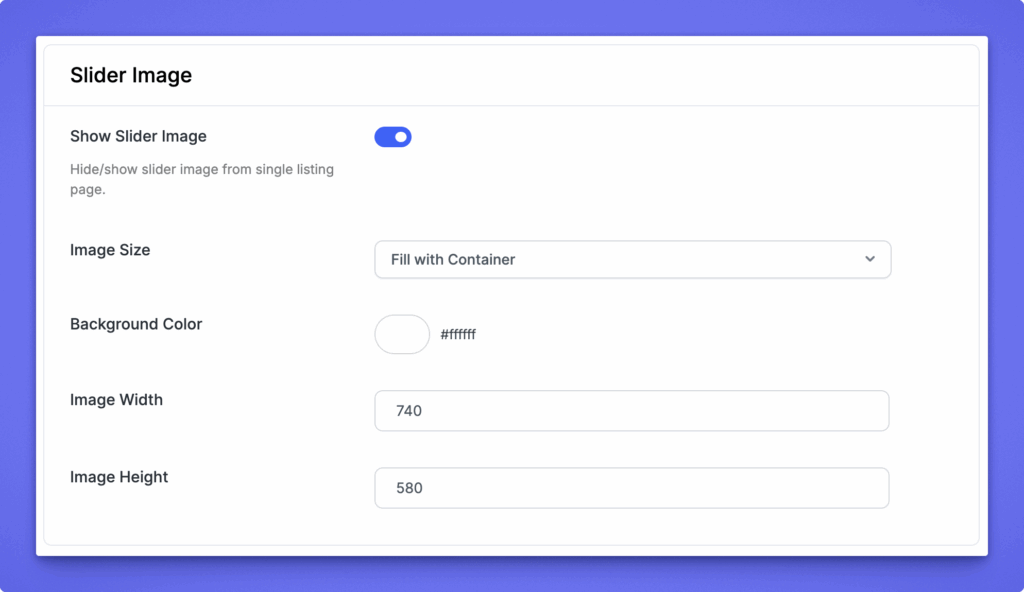
The Single Listing settings allow you to control how individual listings are displayed on your directory website. From this section, you can configure the layout template, permalink, submission confirmation messages, and slider image display.
To access it, go to: WP Admin Dashboard → Directory Settings → Listings → Single Listing
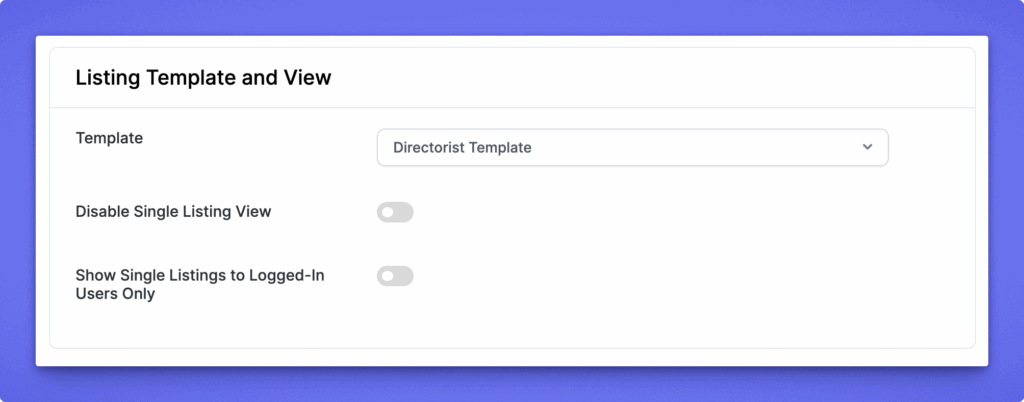
Template Choose which template you want to use for displaying single listings:
Directorist Template – Uses the default Directorist layout and design.
Theme Template (Page) – Uses your theme’s page template.
Theme Template (Post) – Uses your theme’s post template.
Disable Single Listing View Turn this option on if you don’t want single listing pages to be accessible. Listings will only appear in archive or search results.
Show Single Listings to Logged-In Users Only Enable this to restrict access to listing details so that only logged-in users can view single listings.
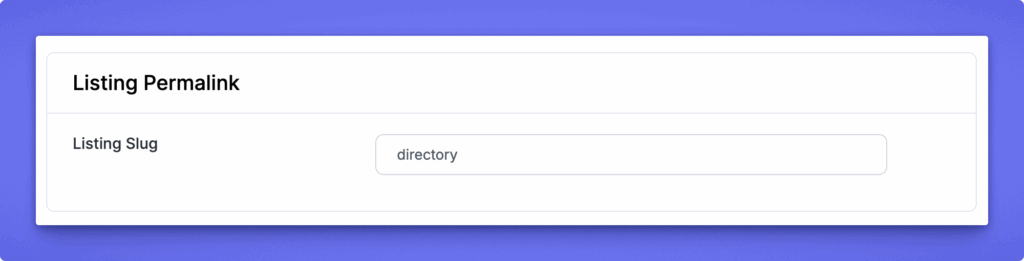
Listing Slug Set the URL slug for single listings. For example, if you enter directory, your single listing URL will appear as: yourdomain.com/directory/listing-name